
Create & Market Digital Products
From Digital Product Idea to Your First Marketing Campaign.
A practical step-by-step blueprint to help you research an idea, create and prepare a digital product for sale, build a clear offer, and learn how Meta Ads campaigns work.
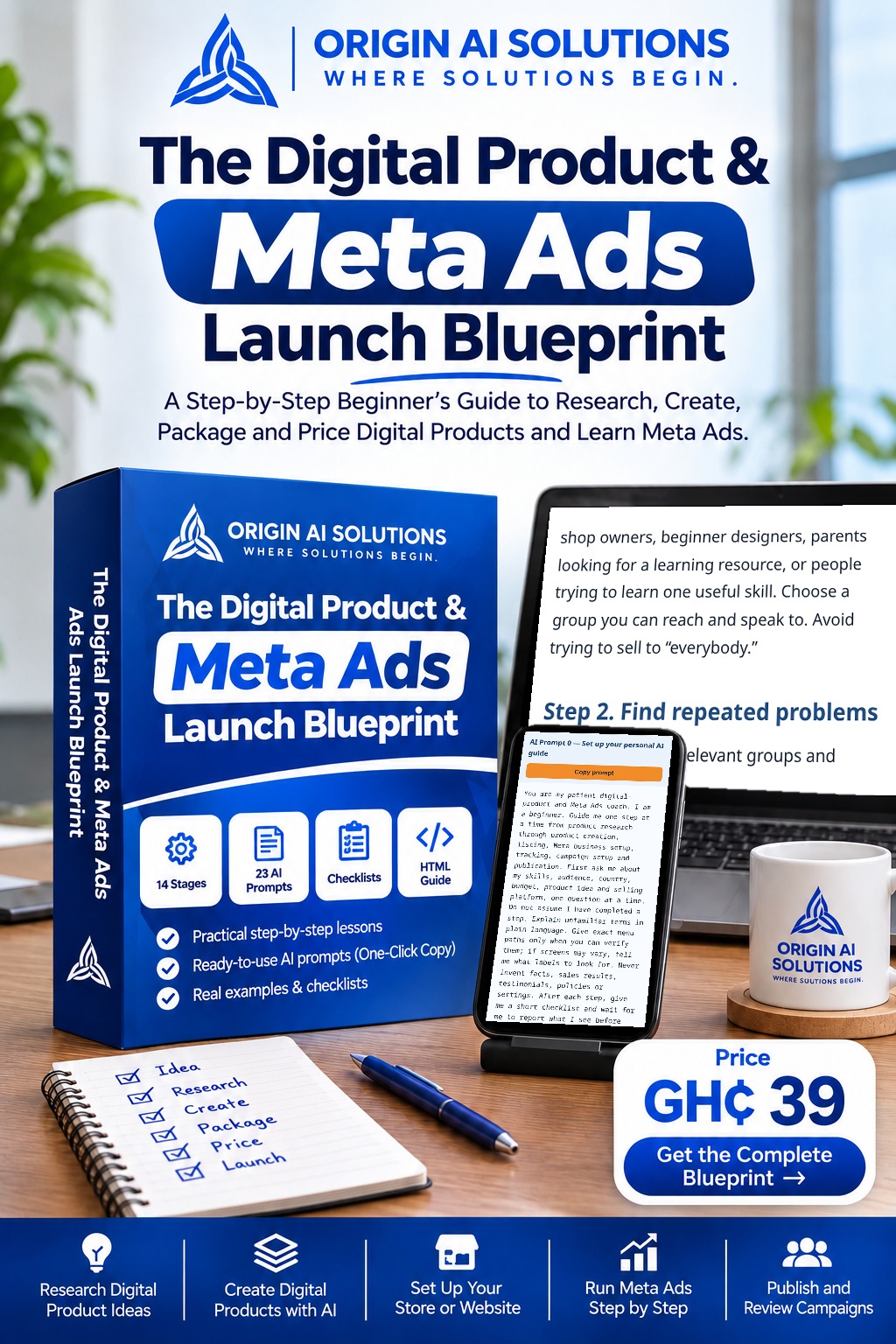
The Digital Product & Meta Ads Launch Blueprint
Price
GH₵39
Format: Interactive HTML digital guide
WHY BEGINNERS GET STUCK
Most first digital products stall before launch.
Not from lack of effort—usually because the steps aren't clear. Common sticking points:
- Finding an idea that solves a real need.
- Researching and validating it before building.
- Turning the idea into a genuinely useful product.
- Preparing and pricing the offer.
- Presenting it professionally online.
- Understanding how Meta Ads campaigns are structured.
Articles and loose prompts each cover one piece. The Blueprint connects them: you research and validate an idea, develop the product, prepare and price the offer, present it online, then learn Meta Business Suite, Ads Manager, tracking, campaign setup and review—in order, with lessons, examples, prompts and checklists at every stage.
WHAT'S INSIDE
What each part helps you do.
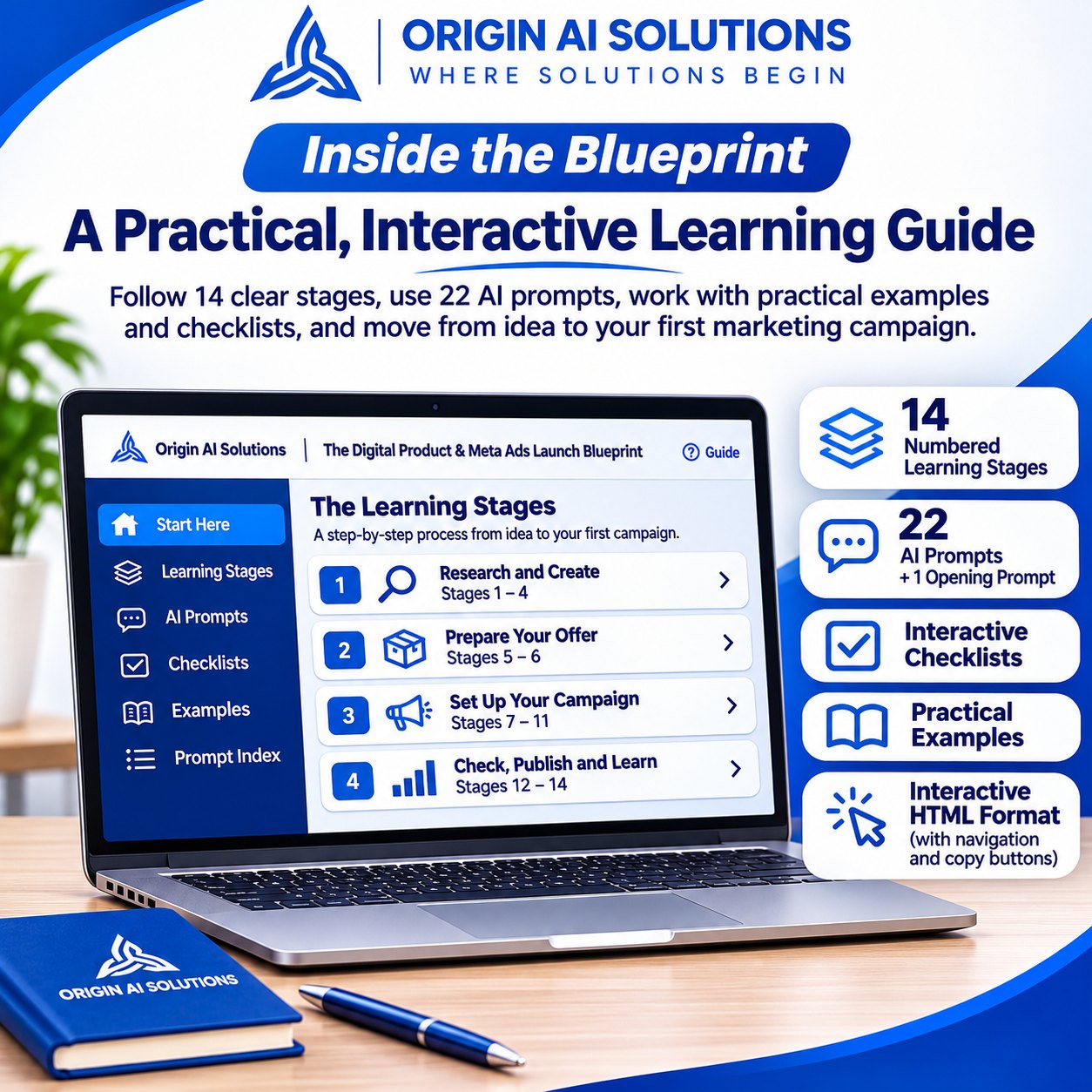
14 numbered learning stages
Each stage builds on the last, so research, product creation, your offer and your first campaign connect instead of feeling like separate tasks.
22 numbered AI prompts + an opening personal AI guide prompt
Ready-made prompts for research, product drafting, offer preparation and ad tasks in ChatGPT or Claude—the opening prompt sets AI up as your personal guide.
Practical examples
See what a completed step can look like before you apply it to your own idea.
Interactive checklists
Tick off tasks as you go, so nothing important is missed before you publish your product or campaign.
Troubleshooting guidance
What to check when something doesn't work as expected, so you are not stuck guessing.
Prompt index
Jump straight to the prompt you need when you return to a stage.
Interactive HTML format
Opens in your phone or computer browser—no app to install—with section navigation and one-tap copy buttons.
CONTENTS
What's included in the Blueprint.
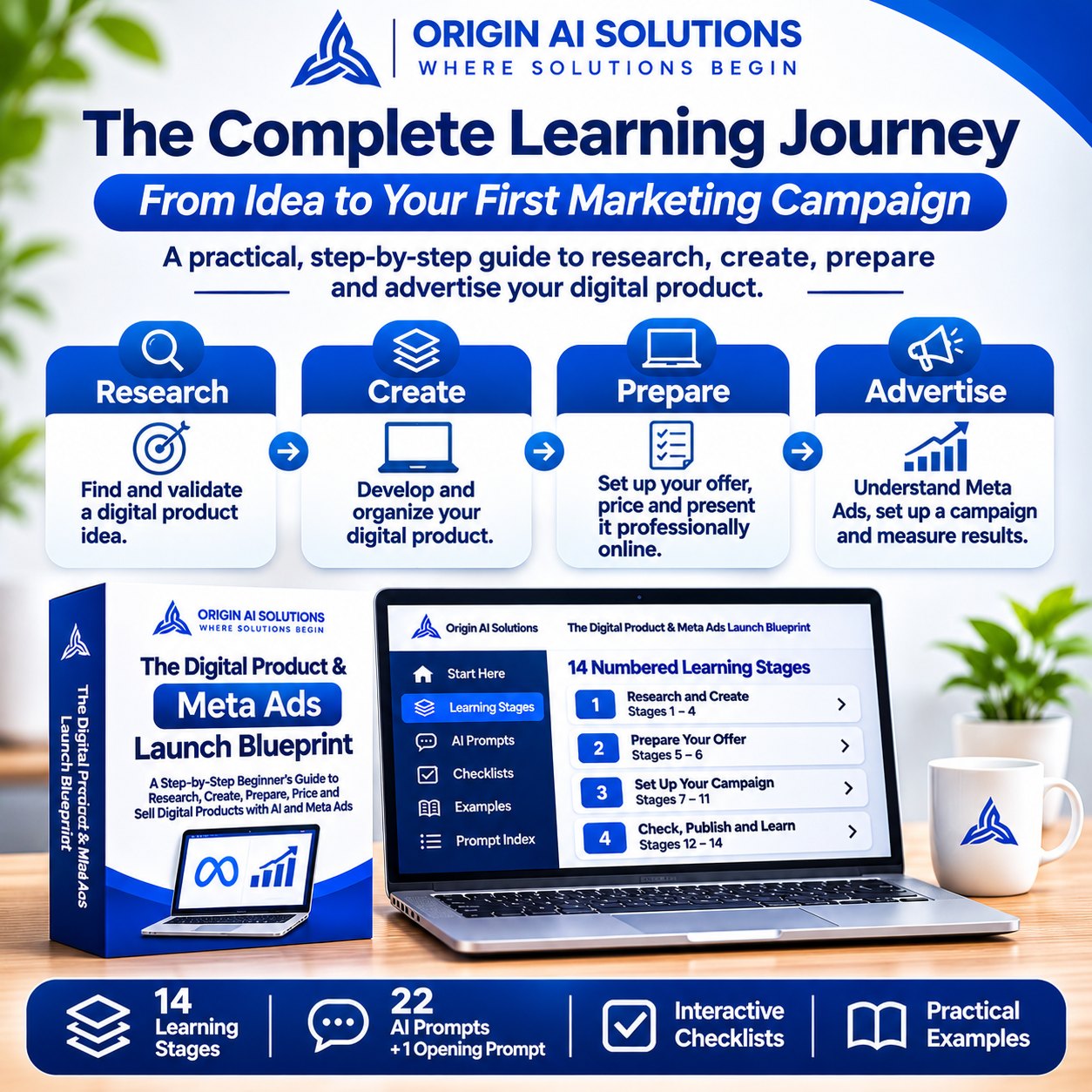
All 14 numbered stages, in order, grouped into four parts. Tap a part to see its stages.
Research and createStages 1–4
01Research a digital product people may want
Choose a reachable audience, gather real problem evidence, interview potential customers and compare ideas.
02Validate the idea before creating everything
Assess willingness to pay and decide whether to proceed, improve the idea or change direction.
03Create the product with ChatGPT or Claude
Define a useful outcome, build an outline and draft lessons, examples and practical exercises with AI assistance.
04Review, fact-check and package the product
Review accuracy and usability, remove unsupported claims and prepare the product files and presentation.
Prepare your offerStages 5–6
05Price and prepare the offer
Consider value and pricing, and explain clearly what the buyer receives without invented guarantees.
06Put the product up for sale
Prepare a listing or website and check the buying and delivery journey before advertising.
Set up your campaignStages 7–11
07Set up Meta Business Suite and Ads Manager
Understand business assets, access and billing, while checking the options available to your account.
08Set up the Meta Pixel/dataset and verify events
Learn tracking setup and event checks where the website or platform supports them; do not assume tracking is working.
09Create the campaign (Campaign level)
Learn the campaign-level decisions and objective selection for a digital product offer.
10Configure the Ad Set level
Work through audience, budget, placements and other available ad-set options.
11Build the Ad level
Prepare the creative, copy and destination, then check how the ad presents the actual offer.
Check, publish and learnStages 12–14
12Final pre-publication check
Use the readiness checklist to review product, checkout, delivery, business assets, tracking and campaign settings.
13Publish the campaign
Follow the publication workflow and inspect the status shown in your account.
14Monitor sales and improve carefully
Review delivery and results, troubleshoot issues and plan evidence-led improvements.
LEARNING OUTCOMES
What You'll Be Able to Work Towards
- Develop a digital product idea around a specific audience and problem.
- Organise your product into a practical structure.
- Prepare your product and present it as an offer.
- Understand the main stages of setting up a Meta Ads campaign.
- Review campaign settings and learn how to interpret performance.
These are learning outcomes, not guaranteed sales or business results.
PRODUCT PREVIEW
Not Just Information. A Practical Guide You Can Work Through.
Each stage helps you understand what to do, why it matters, and what to work on next. Use the examples, prompts, and checklists to apply what you learn to your own digital product idea. These are two limited previews taken from the actual guide—not the complete paid product. Tap an image to enlarge it.
An actual lesson
An excerpt from Stage 1: choose a specific audience and gather real evidence rather than assuming demand.
Tap the image to enlargeA copy-ready prompt
The actual personal AI guide prompt, with the guide's Copy prompt control.
Tap the image to enlarge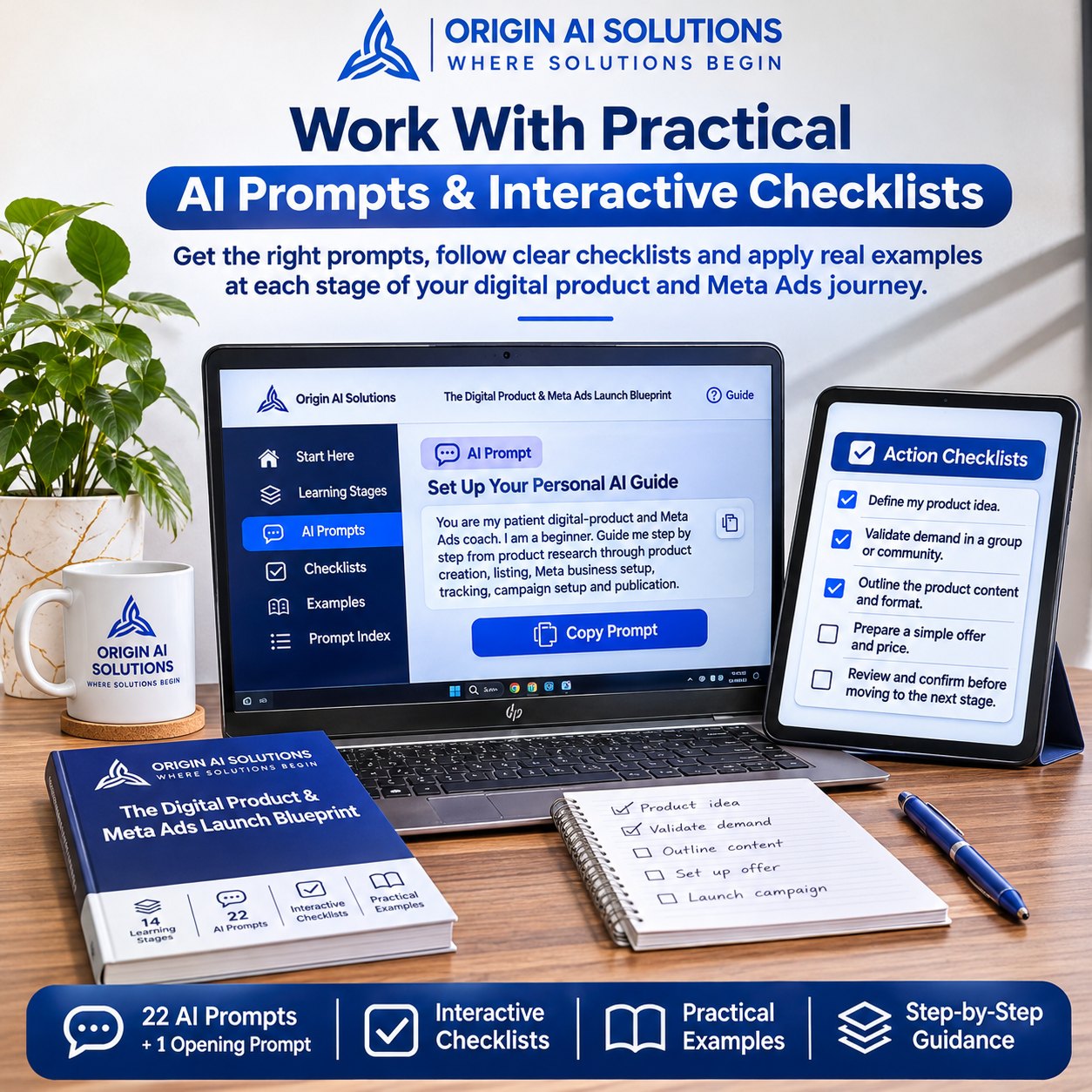
HOW TO USE IT
Five simple steps after access.
- 1Open the guide from your order page or access email.
- 2Follow the stages in order.
- 3Work through the prompts and examples with your own idea.
- 4Complete the checklists.
- 5Review and apply what you've learned.
WHO IT'S FOR
Is this for you?
Best for: Beginners who want a practical starting process for creating and marketing a digital product.
What it does
- Provides 14 written stages, practical examples, 22 numbered AI prompts and an opening prompt with copy buttons.
- Includes lesson navigation, interactive checklists, a prompt index and troubleshooting guidance.
What it does not do
- It does not create your product, set up accounts or run ads for you.
- AI subscriptions and advertising costs are separate; instructional videos are not included.
- It does not guarantee sales, income, ad approval or specific advertising results.
FAQ
Questions about The Digital Product & Meta Ads Launch Blueprint.
What will I learn from the Blueprint?
14 numbered stages cover idea research, validation, AI-assisted creation, packaging, your offer, selling-page preparation, Meta tools and tracking, campaign setup, publication checks and results review.
Who is this guide for?
Beginners who want a practical starting process for creating and marketing a digital product. It is self-guided, not a done-for-you service.
What format is the product?
An interactive HTML guide that opens in your browser, with lesson navigation, copy-ready AI prompts and checklists. Instructional videos are not included.
Do I need previous experience?
No. Bring your own idea and research, review AI output and set up the tools and accounts your project needs. You will need your own ChatGPT or Claude account for the prompts; any paid AI plan, Meta advertising budget and selling platform costs are separate and up to you.
Does the guide guarantee sales or income?
No. It provides educational guidance, not guaranteed sales, income, ad approval or advertising results.
How will I receive the guide, and what if I have an access problem?
Enter your email and pay through Paystack. After successful payment verification and a file-availability check, the order page offers Open your product. Pending, failed or cancelled payments do not unlock it. After verified payment, an access email with your private order-page link is also sent to the address you entered. Keep that email. Lost it? Request a fresh private link on your order page, or contact originaisolutionsgh@gmail.com with your order reference or Paystack receipt—do not share your access link publicly.
GET THE PRODUCT
Ready to Turn Your Idea Into a Clear Action Plan?
Get the Blueprint and work through the process of researching, developing, preparing, and learning how to market your digital product.
GH₵39 · Interactive HTML digital guide
You're buying one interactive HTML guide that opens in your browser: 14 stages, 22 numbered AI prompts plus an opening prompt, examples, checklists and troubleshooting.