All Products

Plan & Build with AI

Stop Giving AI Vague Instructions. Build Your App One Clear Step at a Time.

Get 36 structured, copy-and-paste prompts plus a master prompt that help you plan, build, test, debug, and prepare a business app for launch using AI-assisted development tools.

AI App Builder Prompt System

36 ready-to-copy prompts plus a master prompt, across 8 stages.

36 numbered prompts

+1 master prompt

8 stages

Price

GH₵99

Format: Interactive HTML prompt system

Secure checkout through Paystack (mobile money or card). Product access is provided after successful payment confirmation.

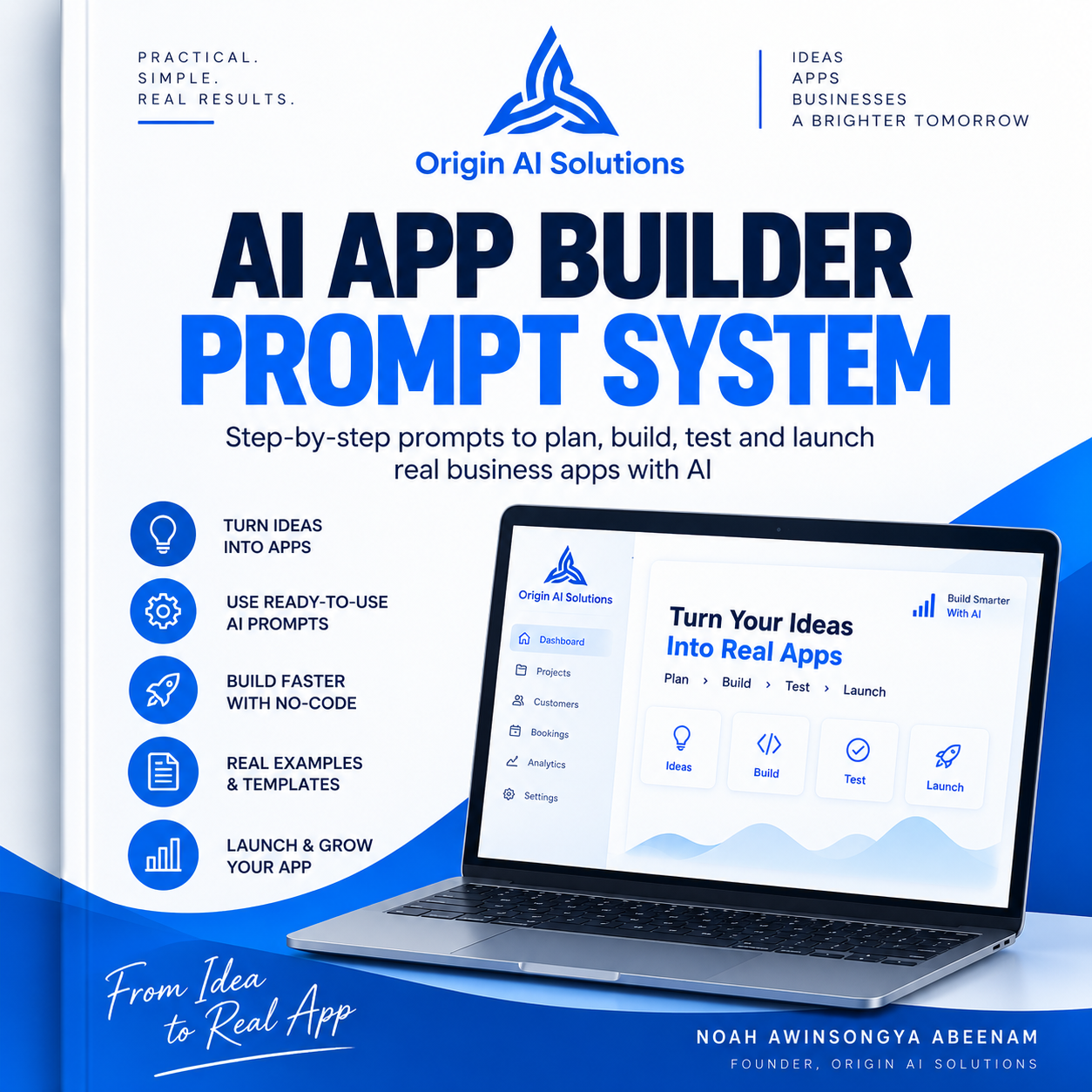
AI App Builder Prompt System official cover

WHY A STRUCTURED PROMPT SYSTEM?

Vague instructions lead to vague builds.

Building an app with AI can become confusing when requirements are vague, context is lost between conversations, too many changes happen at once, or the next step is unclear.

The system's own golden rule: never begin by asking an AI tool to “build the whole app.” Each prompt gives the AI one controlled task, so you can organise requirements, work in manageable steps, review the output, and test important behaviour before moving on.

Prompts do not replace your judgement. You still review what the AI produces and test it before relying on it.

HOW IT WORKS

The eight-stage workflow.

The system is organised around these eight stages, in this order.

  1. 01

    Discover

    Understand the problem and users.

  2. 02

    Define

    Set scope, requirements, and workflows.

  3. 03

    Design

    Plan screens, data, and user experience.

  4. 04

    Build

    Guide implementation through manageable tasks.

  5. 05

    Test

    Identify failures and gaps.

  6. 06

    Debug

    Investigate issues and verify fixes.

  7. 07

    Launch

    Prepare for real-world use.

  8. 08

    Productize

    Explore ways to make the solution reusable.

SEE HOW THE PROMPTS WORK

One real prompt from the system.

This is the first numbered prompt, shown exactly as it appears in the product. Replace each bracketed placeholder with your own details before using it. The full library is available after purchase.

PROMPT 01

Business Problem Extractor

When to use: Turn a messy business situation into a clear software problem.

Act as a business analyst. Turn this situation into a clear software problem.

Business: [BUSINESS NAME / TYPE]
People involved: [USERS]
Current process: [CURRENT PROCESS]
Pain points: [PAIN POINTS]
Desired result: [DESIRED RESULT]

Identify:
1. The customer
2. The recurring problem
3. The consequence of the problem
4. The current workaround
5. Evidence that the problem is real
6. What a useful solution must accomplish

Do not invent facts. Clearly label assumptions and unknowns.

Expected output

A structured problem summary: the customer, the recurring problem, its consequence, the current workaround, evidence, and what a solution must accomplish — with assumptions clearly labelled.

PRODUCT PREVIEW

See the system itself.

Real captures from the interactive file you receive. It opens in your browser and includes Copy Prompt buttons on every prompt, a Copy All Prompts button, and a Print / Save as PDF option.

Start Here

The opening instructions, the eight stages, and the Copy All Prompts and Print / Save as PDF buttons.

A prompt card

Each prompt shows its number, name, when to use it, and a Copy Prompt button.

FREE AI TOOLS VS. A SYSTEM

Why pay for prompts when AI tools are available for free?

You can ask an AI tool questions for free. The challenge is knowing what to ask, what information to provide, what to review, and what should happen next. This system organises reusable prompts into a structured workflow so you can approach an app project more deliberately.

WHO IT'S FOR

Is this for you?

Best for: People who have a business problem or app idea and want a structured way to work with an AI app builder.

  • Beginners seeking a structured AI-assisted app-building workflow
  • Business owners planning an application
  • Freelancers and small agencies
  • Developers who want a more disciplined workflow
  • People who struggle with vague instructions or excessive AI-generated changes

WHAT TO EXPECT

What it does and does not do.

What it does

  • Gives you a master prompt and 36 numbered prompts in a structured eight-stage workflow.
  • Helps you set rules and context, keep the MVP in scope, and work in small, testable tasks.
  • Lets you copy each prompt, copy all prompts, or print / save the system as a PDF.

What it does not do

  • It does not build, host, or publish an app automatically.
  • It does not include an AI subscription — you use your own AI app builder or development environment.
  • You still review the AI's output and test important workflows before launch.

FAQ

Questions about AI App Builder Prompt System.

What is the AI App Builder Prompt System?

A guided, interactive set of copy-and-paste prompts for building business apps with AI: a master prompt plus 36 numbered prompts organised around eight stages, from Discover to Productize.

What do I receive?

An interactive HTML file that opens in your web browser, with a Copy Prompt button on every prompt, a Copy All Prompts button, and a Print / Save as PDF option.

Why pay for prompts when AI tools are available for free?

You can ask an AI tool questions for free. The challenge is knowing what to ask, what information to provide, what to review, and what should happen next. This system organises reusable prompts into a structured workflow so you can approach an app project more deliberately.

Do I need an app idea first?

It helps to have a real business problem or app idea — the system's own checklist starts there. If you are still exploring what to build, The Niche App Playbook focuses on that earlier step.

Do I need coding experience?

No coding is required to use the prompts. Some prompts — such as code, security, and data reviews — are more technical, and you should review the AI's results carefully or ask someone experienced when unsure.

Which AI tools can I use?

The system is written for general AI chat and app-building tools; it names Claude, ChatGPT, Gemini, Lovable, Replit, and Base44 as examples. Results vary between tools, and compatibility with every tool is not guaranteed.

Does it build the app automatically?

No. It provides prompts and a workflow. You paste them into your own AI builder or development environment and review the results.

Does it include an AI subscription?

No. You use your own AI tool or app builder account.

What if the AI produces an incorrect result?

That can happen. The system asks you to review every response, test important workflows, and includes testing, debugging, and regression prompts to help investigate problems — but your own review is still required.

How do I access the product?

Pay securely on this website by mobile money or card through Paystack, using the email address you enter before checkout. After Paystack confirms your payment, the order page gives you a private link to your product.

What happens if payment is pending or fails?

Your product stays locked. A pending payment is checked again automatically on the order page and access appears only once Paystack confirms it. A failed or cancelled payment never unlocks the product — you can try again from this page.

What if I lose my download?

Keep the address of your order page; it lets you open your product again after a confirmed payment. If you lose it, email originaisolutionsgh@gmail.com with your order reference or Paystack receipt.

How does it differ from The Niche App Playbook?

The Playbook helps you find and validate a business problem and plan the product strategy. The Prompt System guides the AI-assisted development workflow once you know what you want to build.

GET THE PRODUCT

AI App Builder Prompt System

A structured, copy-and-paste prompt workflow for planning, building, testing, and launching a business app with AI.

GH₵99 · Interactive HTML prompt system

Secure checkout through Paystack (mobile money or card). Product access is provided after successful payment confirmation.